
Monitor light bars, explained
How they light your desk without lighting your screen, and when they are a good fit.
Disclosure: We may earn a commission if you buy through links on this page. It does not change what we recommend. Affiliate Disclosure
What a monitor light bar is
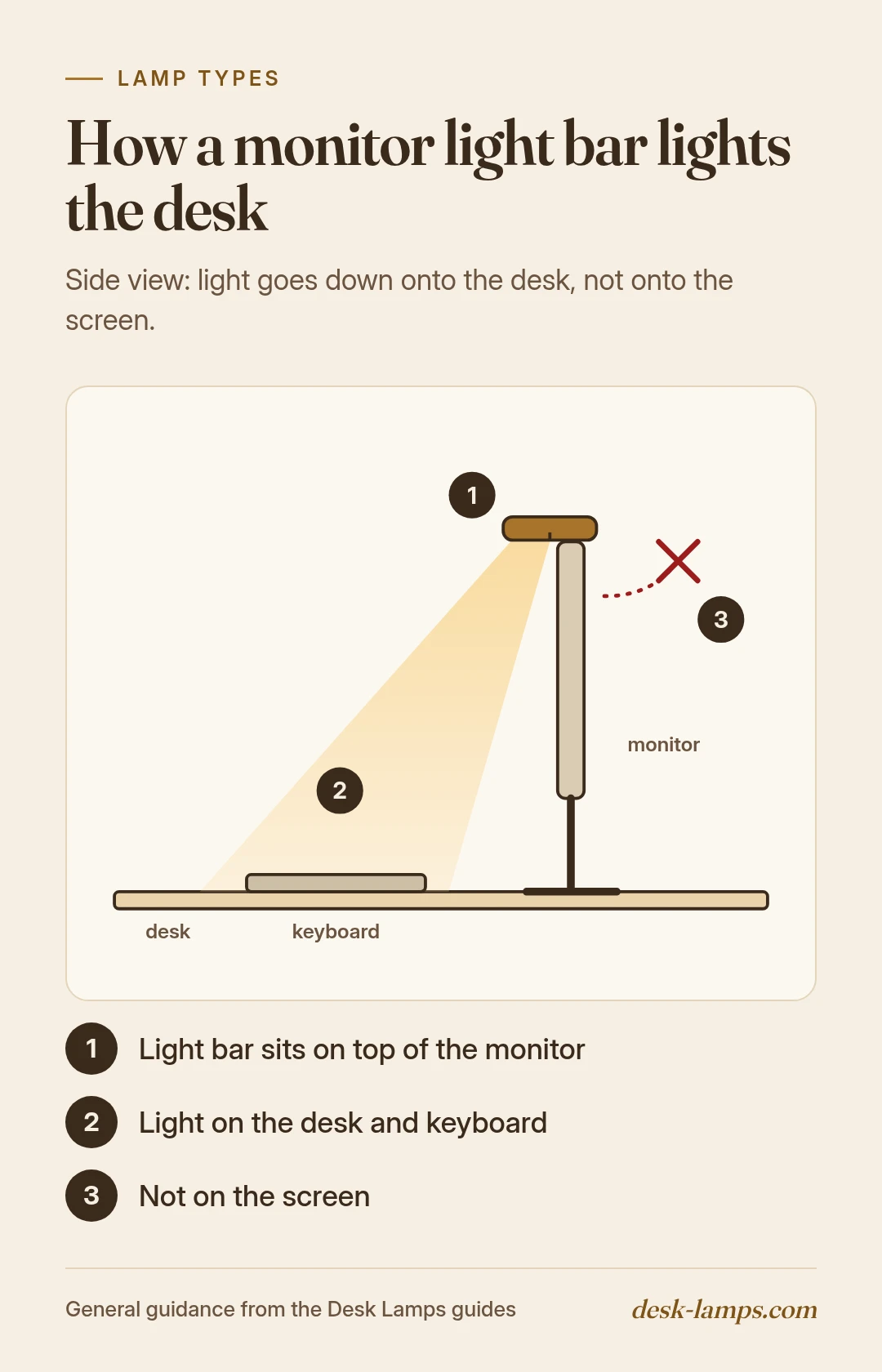
A long, thin light that clips onto the top of a monitor and shines down onto the desk in front of it. It takes no desk space.
How it avoids screen glare
The light is aimed down and slightly forward, so it lights the keyboard and desk while keeping light off the screen and out of your eyes. Check that the bar's light points at the desk, not at you.
Fit: monitor thickness, curved screens, webcams
- Thickness: the clip has a listed range. Check your monitor's top edge fits.
- Curved screens: some bars are made for curved monitors; standard bars may not sit flat.
- Webcams: if a webcam sits on top of the monitor, check the bar leaves room or can hold it.
Thickness.
Check your monitor's top edge fits the clip's listed range.
Curved screens.
Some bars are made for curved monitors; standard bars may not sit flat.
Webcams.
Check the bar leaves room for a webcam or can hold it.
Brightness and color controls
Look for dimming and adjustable color temperature, shown in Kelvin. Controls may be on the bar, on a cable, or wireless.
When an arm lamp is better
A bar lights the area in front of the screen. For paper on the side of the desk, drawing, or reading, an adjustable arm lamp reaches more places.
FAQ
General information, not medical advice. See an eye care professional about eye strain or vision concerns.
Related guides
Adjustable desk lamps and other types | Task lighting and placement | Small desks
